

Cart 0


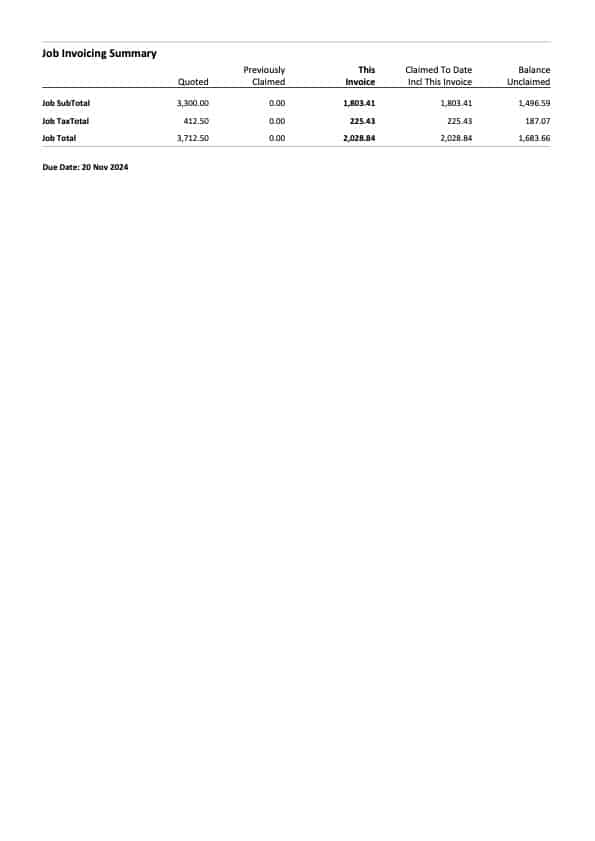
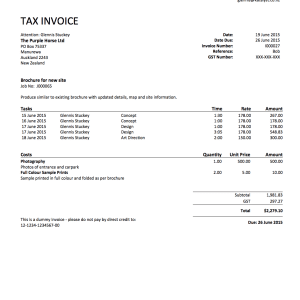
WorkflowMax Progress Claim Invoice Horizontal
$57.50 (including GST)
This template is designed to be used with a “quoted” invoice type; where there is an accepted quote on the job and you’re invoicing based on the quoted amounts.
This template is ready to go once you upload your logo, or you can format it further as you wish.
Description
This template is designed to be used with a “quoted” invoice type; where there is an accepted quote on the job and you’re invoicing based on the quoted amounts.
This template is ready to go once you upload your logo, or you can format it further as you wish.
Instructions:
You will need to ensure you have the following fields completed in your WorkflowMax subscription – go to Business, Settings, Organisation Settings:
Business contact information – in the box near the top named Information: Enter your address, phone and email, followed by your tax number.
Invoice payment information – scroll down to the Invoice Footer and ensure your payment details are entered there – ignore the Payment Advice box.
To add the new template, go to Business, Settings, Custom Templates, and select New Invoice:
The Time Sheets drop down can be set to ‘All’, or ‘None’.
You can format the date – I recommend option two – ‘1 Oct 2011’.
PRO TIP: Always create a new template, never upload to an existing template. You can mark the old one as inactive, or delete it once you are sure the new template is working correctly.
When you print your invoice, make sure you select your new template from the dropdown that may be set to System Default. When you next print, the template you selected should be the default.
If you would like support or customisation, please contact us.
Only logged in customers who have purchased this product may leave a review.
Related Products
-

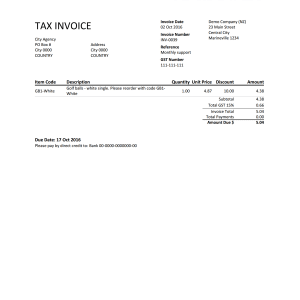
Xero Custom Invoice Template – with items, discount, postal and physical addresses
$57.50 (including GST) Add to cart
-

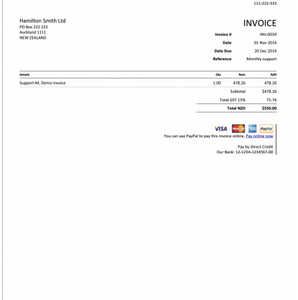
Xero Custom Invoice
$46.00 (including GST) Add to cart
-
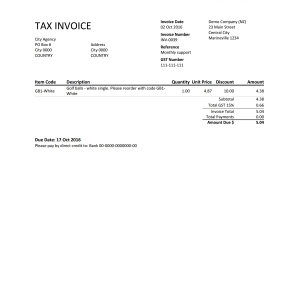
Xero Custom Template – Dual Packing Slip and Invoice
$57.50 (including GST) Add to cart
-
WorkflowMax Custom Invoice – Two Page with Timesheets
$57.50 (including GST) Add to cart
Reviews
There are no reviews yet.